Compare Data and Time
Comparison mode helps you view differences between two layers or points in time without moving between map views.
Start a comparison
- Add one or two layers to the Workbench. To compare change over time, add Sentinel-2 Mosaic 2016 (Preview) and Sentinel-2 Mosaic 2020 (Preview).
- Click the Compare button on the right of the map.
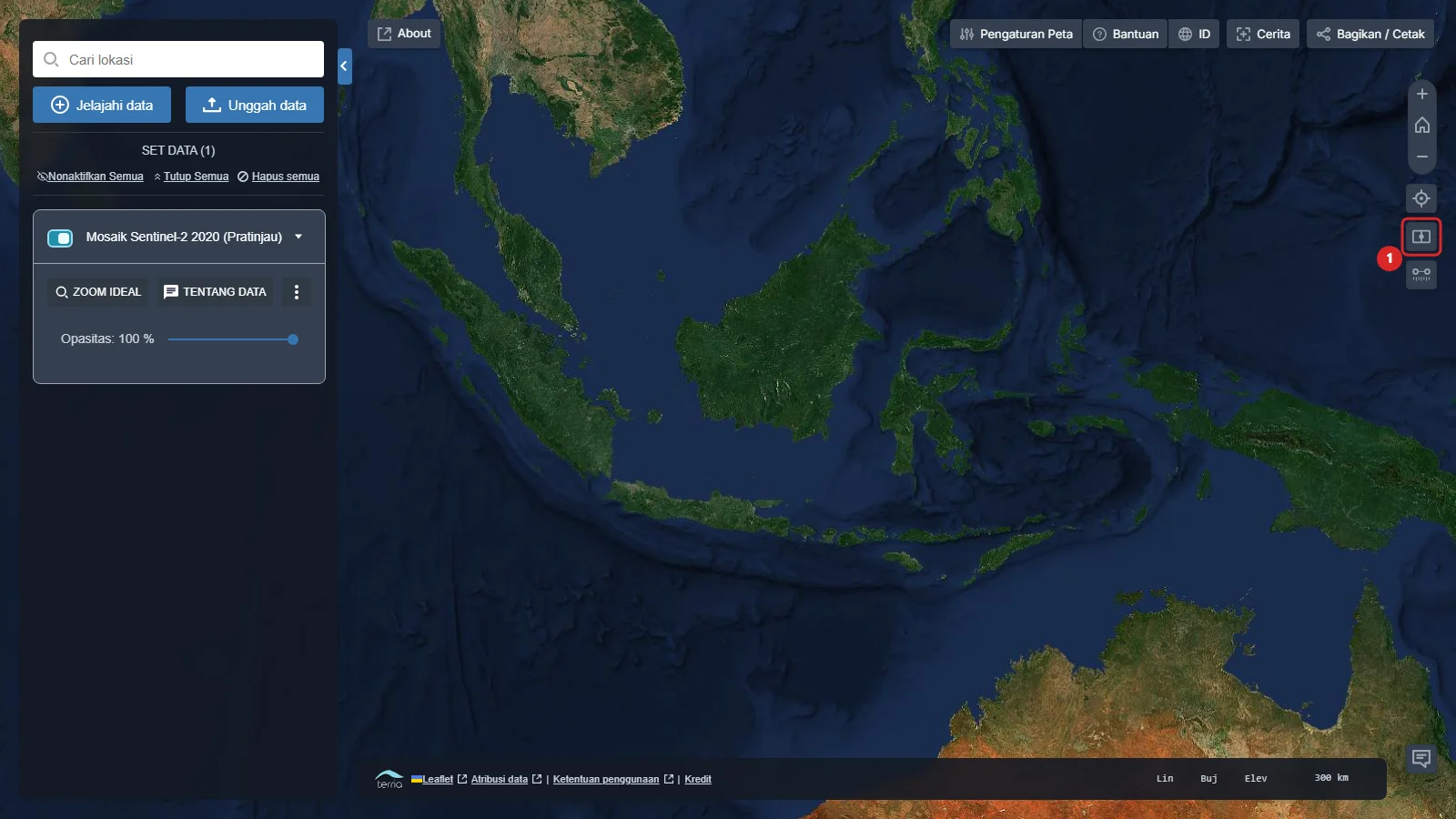
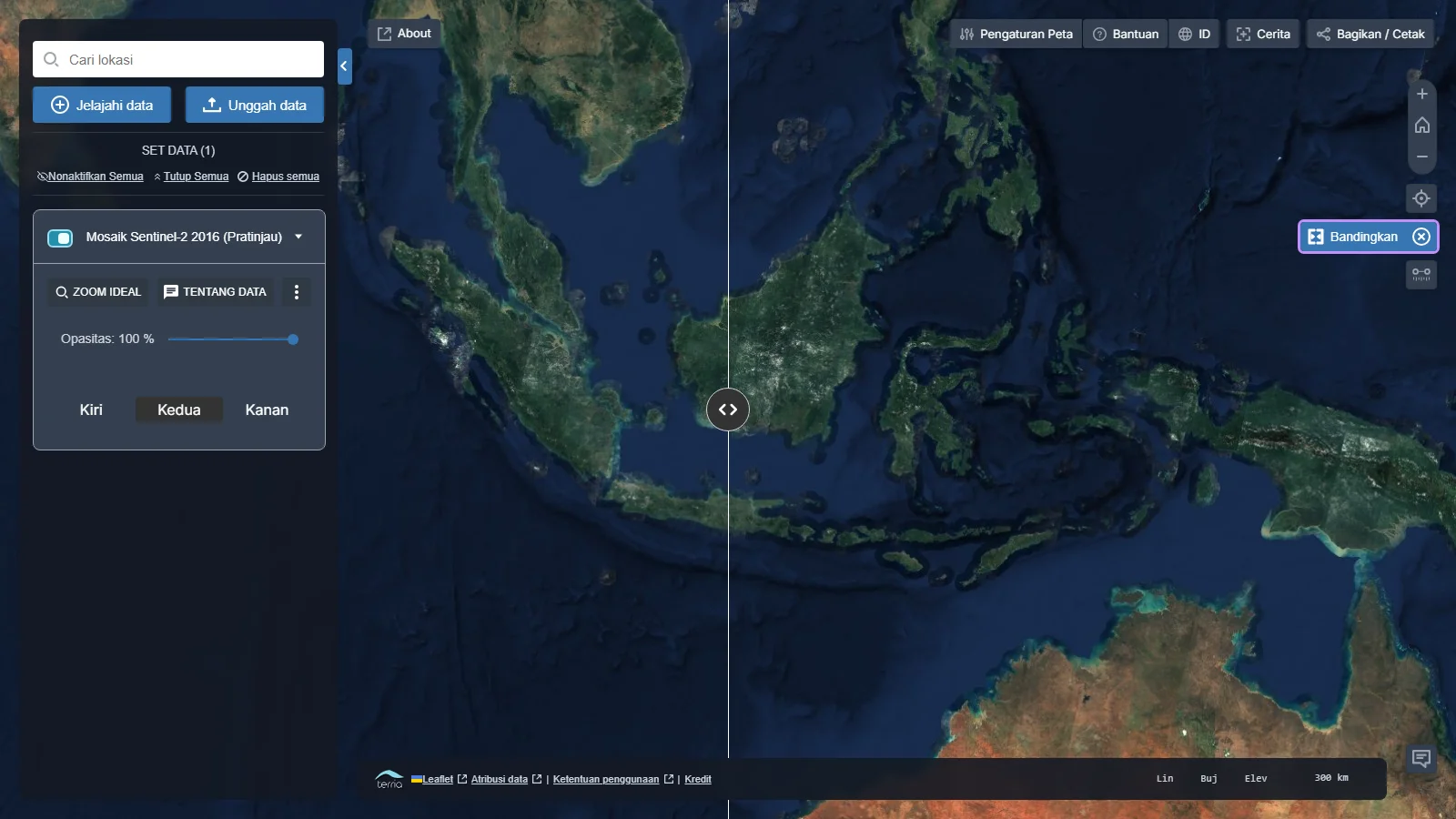
- The map splits into left and right sides.
- Configure each side independently through the Workbench layer cards.
- Drag the divider to view differences at the same location.
Use the comparison result
Use comparison to inspect land-cover changes, coastal conditions, or other patterns between two points in time. When finished, click Compare again to leave this mode.
Share a comparison
Use Share / Print after configuring a comparison. The shared link preserves the map view and active layers.