Getting Started with Piksel Sandbox
After signing in, users are taken to the Piksel Sandbox home page, where they choose a compute environment before opening JupyterLab.
The Get Started panel introduces the tools and resources available in Sandbox:
- Geospatial Data-Science Toolkit, a set of libraries and tools for geospatial analysis.
- Learning Examples, which provides example notebooks for learning.
- Guaranteed Resources, which describes the compute resources available to each user.
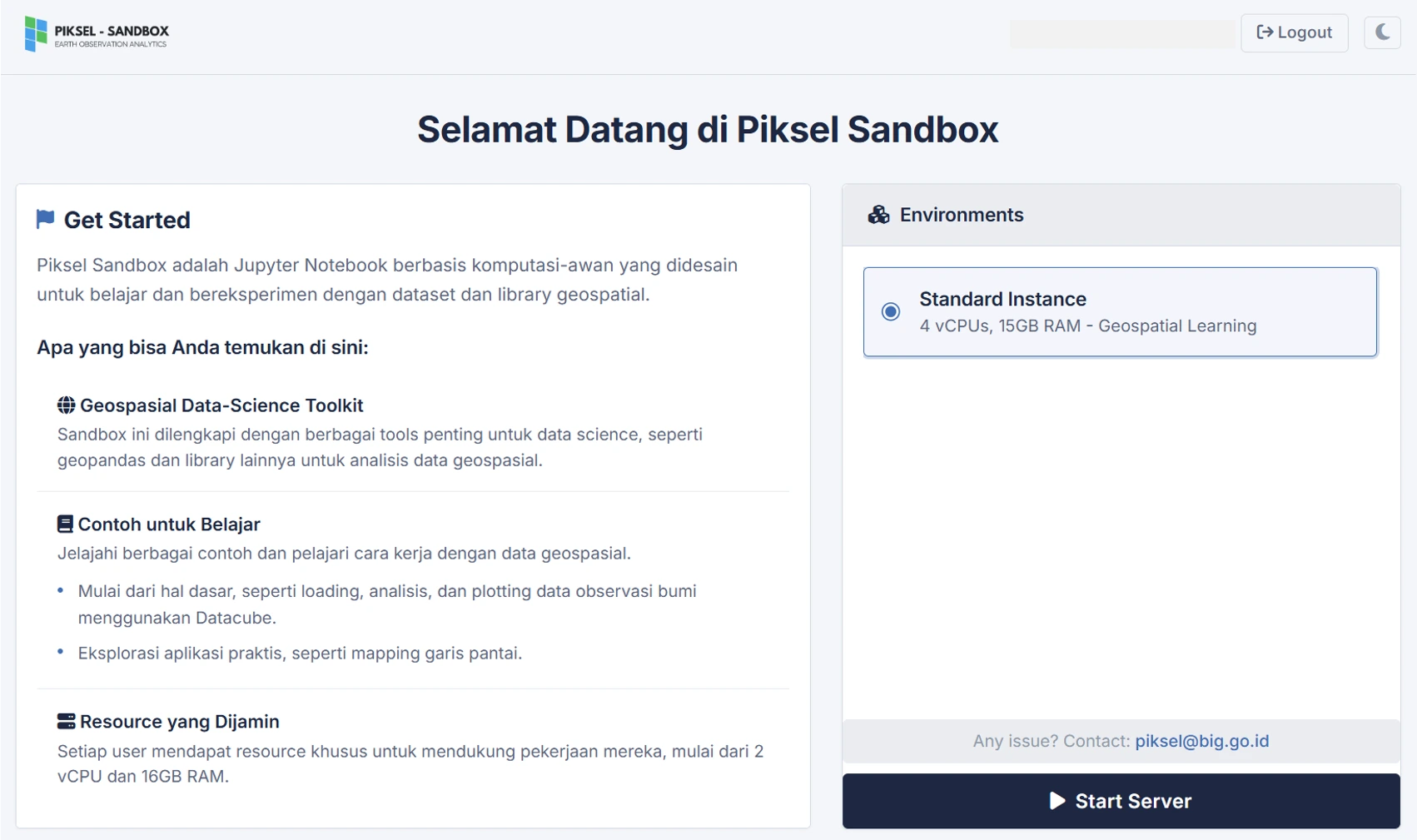
In the Environments panel, choose the compute environment for the work you want to do. The default Standard Instance has 4 vCPUs, 15 GB RAM, and the Geospatial Learning Environment.
Click Start Server after choosing an environment.
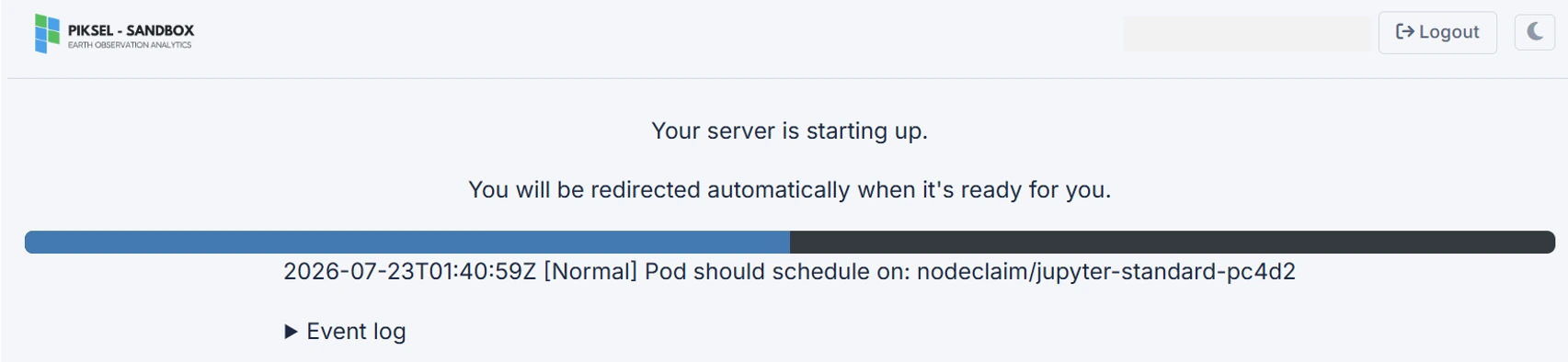
Wait for the server to start. When initialization is complete, Sandbox opens JupyterLab automatically so you can begin your analysis.
Startup time depends on the state of the service and its current workload. Keep the page open while the server is starting.