Data Export Formats
Data Explorer provides several formats for using catalogue metadata outside the web interface. The choice depends on whether the metadata will be read in a script, loaded into Open Data Cube or displayed on a map.
Product Catalogue
Metadata for all products is available in three formats. The Text / Stac / Yaml links appear above the product table on the /products page.
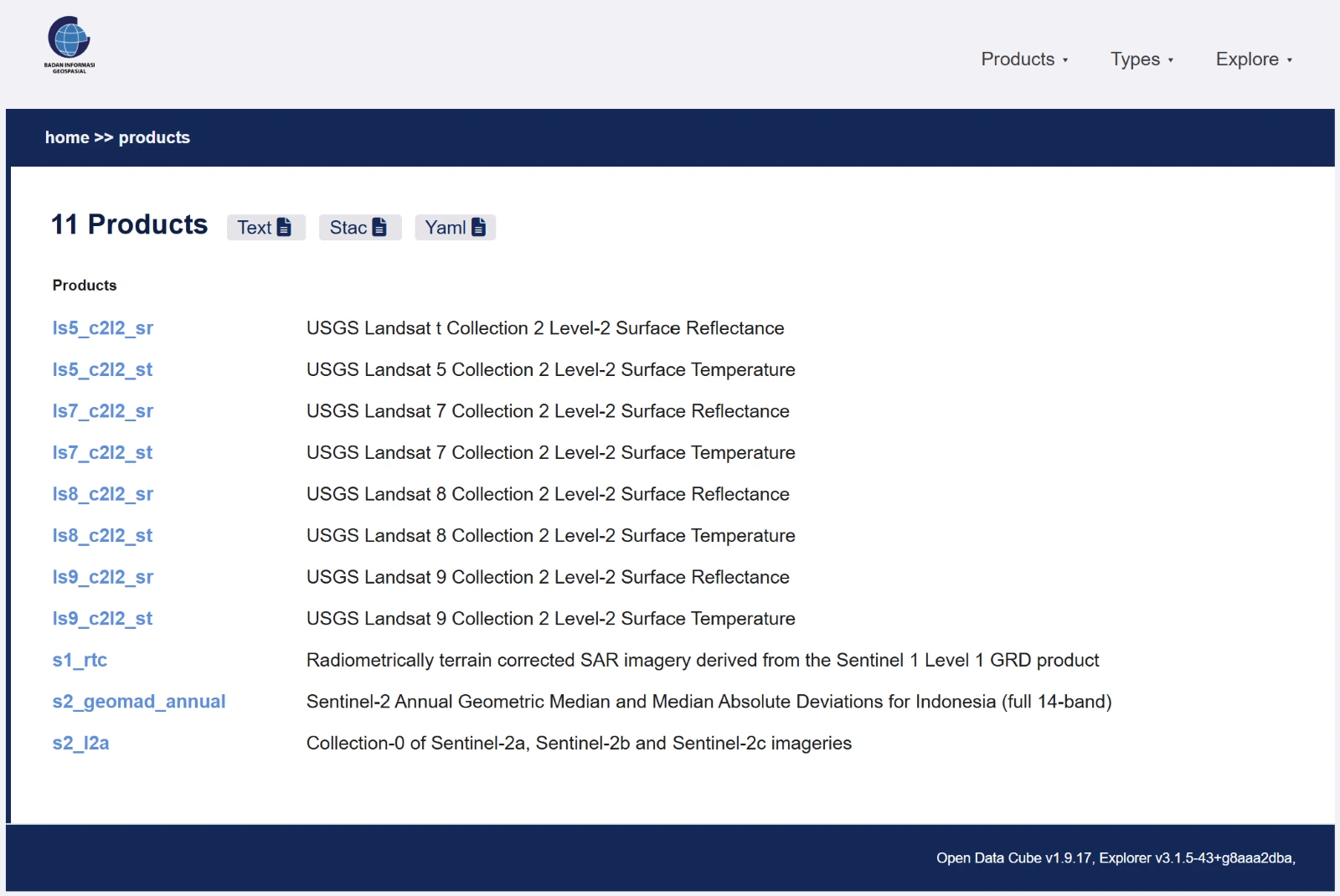
| Format | URL | Purpose |
|---|---|---|
| Text | /products.txt | Plain-text product names for use in shell scripts |
| STAC | /stac/collections | Structured catalogue using an industry standard |
| YAML | /products.odc-product.yaml | Open Data Cube product definitions, including measurements and flags |
Per Product
Each product has its own exports:
| Format | URL | Purpose |
|---|---|---|
| ODC YAML | /products/{name}.odc-product.yaml | Product definition for indexing into a local Open Data Cube |
| STAC Collection | /stac/collections/{name} | Collection metadata in STAC JSON format |
For example, Landsat 9 Surface Reflectance is available at:
https://explorer.piksel.big.go.id/products/ls9_c2l2_sr.odc-product.yaml
https://explorer.piksel.big.go.id/stac/collections/ls9_c2l2_sr
Geospatial API
Data Explorer provides API endpoints for spatial and temporal metadata:
| Endpoint | Format | Purpose |
|---|---|---|
/api/footprint/{product} | GeoJSON | Combined footprint of the datasets in a product |
/api/dataset-timeline/{product} | JSON | Monthly dataset counts over time |
These endpoints can be used to:
- display a product's spatial coverage on another map;
- build a custom data-availability visualisation; or
- check availability before running a full STAC search.
Metadata Types
Definitions for the metadata types, including the eo3 schema used by the products, are available at:
| Format | URL |
|---|---|
| Text | /metadata-types.txt |
| YAML | /metadata-types.odc-type.yaml |
Choosing a Format
- For analysis workflows, use the STAC API.
- To configure a local Open Data Cube, use the ODC YAML definitions.
- For a plain list of product names, use
/products.txt. - To display product coverage, use
/api/footprint/{product}.